250+
starting points for every photo you editStop opening Lightroom with no idea where to begin. Pick the collection that matches your light, click a preset, adjust two sliders and move on.
Get my preset library →🔒 7-day guarantee · One payment · Desktop & Mobile
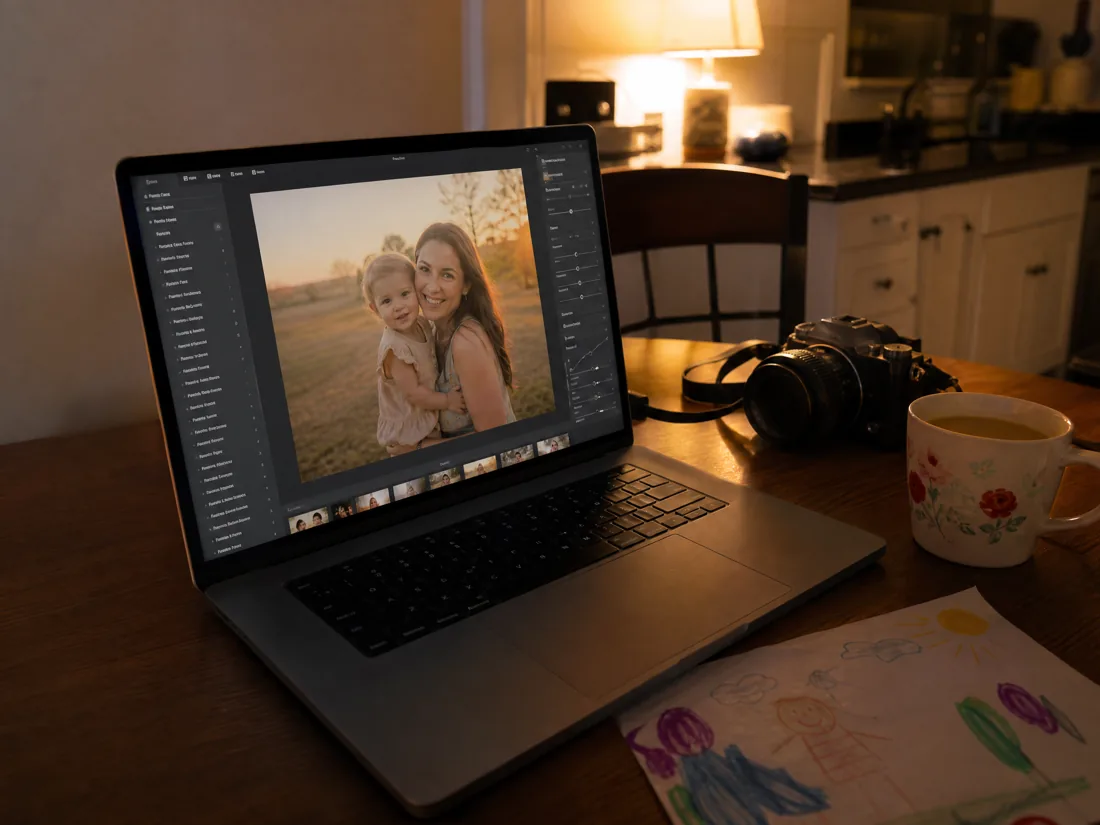
You open Lightroom and lose the night trying to figure out where to start?
The photo is good. Then the editing starts. You warm it up and the skin turns orange. You push the contrast and it gets worse. You fix the faces and the sky looks fake.
Forty minutes later you are still on photo number three, and it doesn't even match the first two. It's not a lack of talent. It's a lack of a starting point.
Stop editing in the dark. Start from a look that already works.
The Starting Point Library is 250 presets sorted by the light you actually shot in: golden hour, cloudy day, open shade, window light, evening lamps. Instead of building every edit from zero, you pick a collection, try a few looks in seconds and only make the small final tweaks.
Everything inside
The Starting Point Library
- 250 Lightroom presets in 25 collections
- Works in Lightroom Classic and Lightroom
- Works in the Lightroom mobile app
- The Light Match Guide (which preset for which light)
- Presets for outdoor and indoor photos
- Step-by-step install guide for desktop and phone
- Bonus: Skin Tone Fix Pack (10 presets)
- Bonus: The 5-Minute Edit Routine
- Bonus: The Mini Session Money Plan
What changes when you have
250+ presets on hand
Before
You start every edit with no idea which way to go.
Now
You click through a few ready looks and find your direction in seconds.
Before
Every photo in the gallery ends up a slightly different color.
Now
One preset across the whole session, and the gallery finally matches.
Before
A 40-photo session eats your whole weekend after the kids go to bed.
Now
You edit, export and deliver in an evening, and say yes to the next booking.
A library made for every kind of moment you photograph
For every kind of session:
- Family, newborn and maternity
- Kids, birthdays and pets
- Couples, travel and lifestyle
- Products, food and home listings
For every kind of light:
- Golden hour and backlight
- Cloudy days and open shade
- Window light and indoor rooms
- Warm lamps and cool winter light
It's not about using all of them. It's about having the right one when you need it.
The power of this library is range. You try a few looks, save your favorites and quickly learn which ones fit the way you shoot. Think of it like a toolbox: you never use every tool at once, but you're glad the right one is there when the light changes.
The Library vs. a single preset pack
The Starting Point Library
For when you shoot in all kinds of light and want a look that works on your photos, not just on the seller's samples.
- 25 collections sorted by light
- Skin fixes and a 5-minute routine
- One payment of $27
A single influencer pack
Usually 5 to 10 presets built for one photographer's light, her camera and her location.
- One look, one kind of light
- Breaks on cloudy or indoor photos
- Often $30 to $60 per pack
Is this library right for you?
This library is for you if:
- You want to edit faster and try lots of looks without starting from zero.
- You're still finding your style, or you're starting to book paid sessions.
- You want an affordable library that covers every kind of light.
An honest truth:
- A preset won't save a blurry photo or one shot in terrible light.
- It doesn't replace your eye: most photos still need exposure and white balance tweaks.
- It's a starting point, not a magic button.
How one click changes the starting point of your edit
Tap or hover each photo to see the preset.
It's not about clicking and walking away. It's about starting better, testing faster and getting to the result with a lot less struggle.
A library built for real life
Photo Edits From Home
Editing tools for women who photograph from home
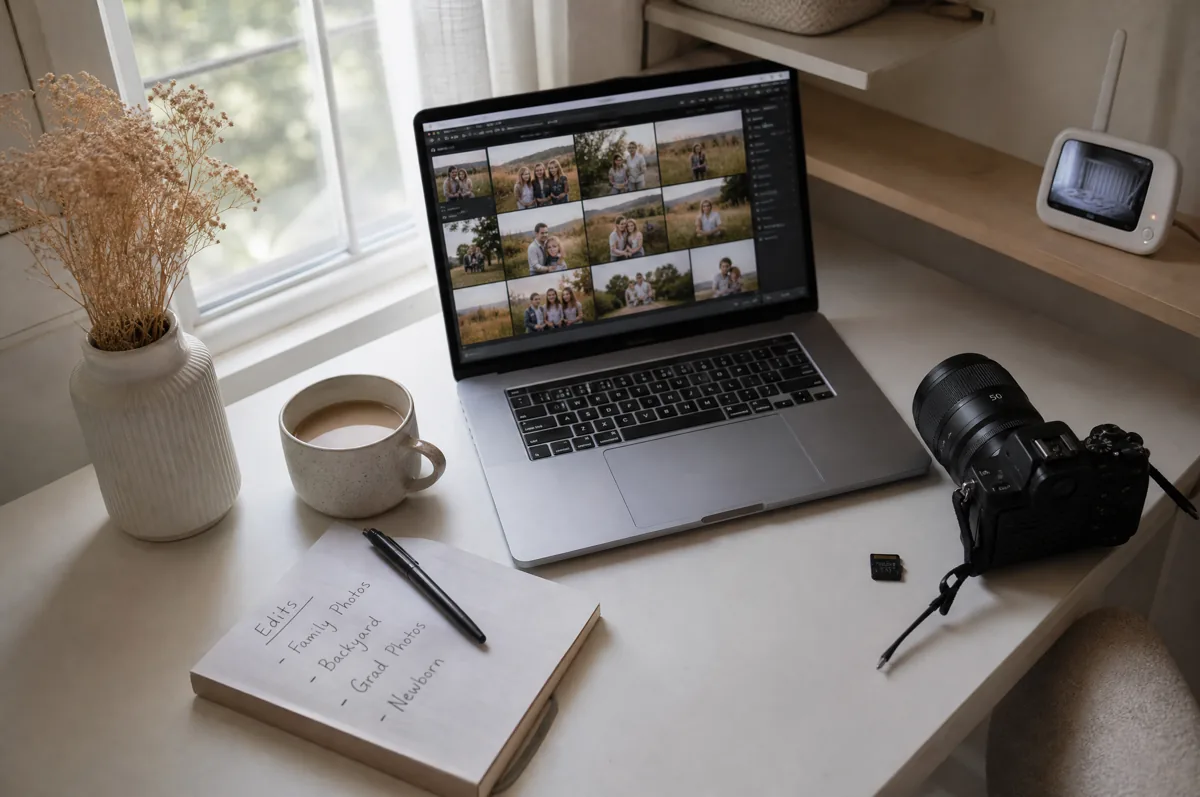
Most preset packs are made by one photographer, in one kind of light, on one camera. Then they land on your cloudy-day photo and fall apart. We built this library the other way around: we started from the light you actually get as a mom with a camera or a phone (a kitchen at 6 pm, a park at sunset, a grey Saturday) and built a collection for each one. Then we wrote down exactly which one to pick, so you never have to guess again.
What people are saying
“I used to spend every Sunday night on one fall mini gallery and the colors still didn't match. I picked Golden Hour Glow, synced the whole session and only fixed exposure on a few. Eight families delivered in two evenings, and three of them already booked spring.”
Jessica M.Weekend Mini Session Photographer, Boise, ID“I'm not a photographer, I just have four thousand photos of my kids on my phone. Installed the presets in ten minutes. Evening Indoors saved my son's birthday pictures, the orange candlelight ones I had given up on.”
Amanda R.Mom of Three, Columbus, OH“Newborn skin was my nightmare. Red, blotchy, and every pack I ever bought turned it orange. Newborn Soft plus the Less Red Cheeks fix gave me creamy skin on the first click. I posted that gallery and booked two newborn sessions that week.”
Lauren K.Newborn and Maternity Photographer, Raleigh, NC“My listing photos looked like they came from five different shops because I shoot by the window at different times of day. One Product and Etsy preset on all forty photos and the shop finally looks like one brand. Took me twenty minutes.”
Megan T.Etsy Candle Shop Owner, Asheville, NCTestimonials are illustrative. Results vary.
Get 250+ presets for your Lightroom today
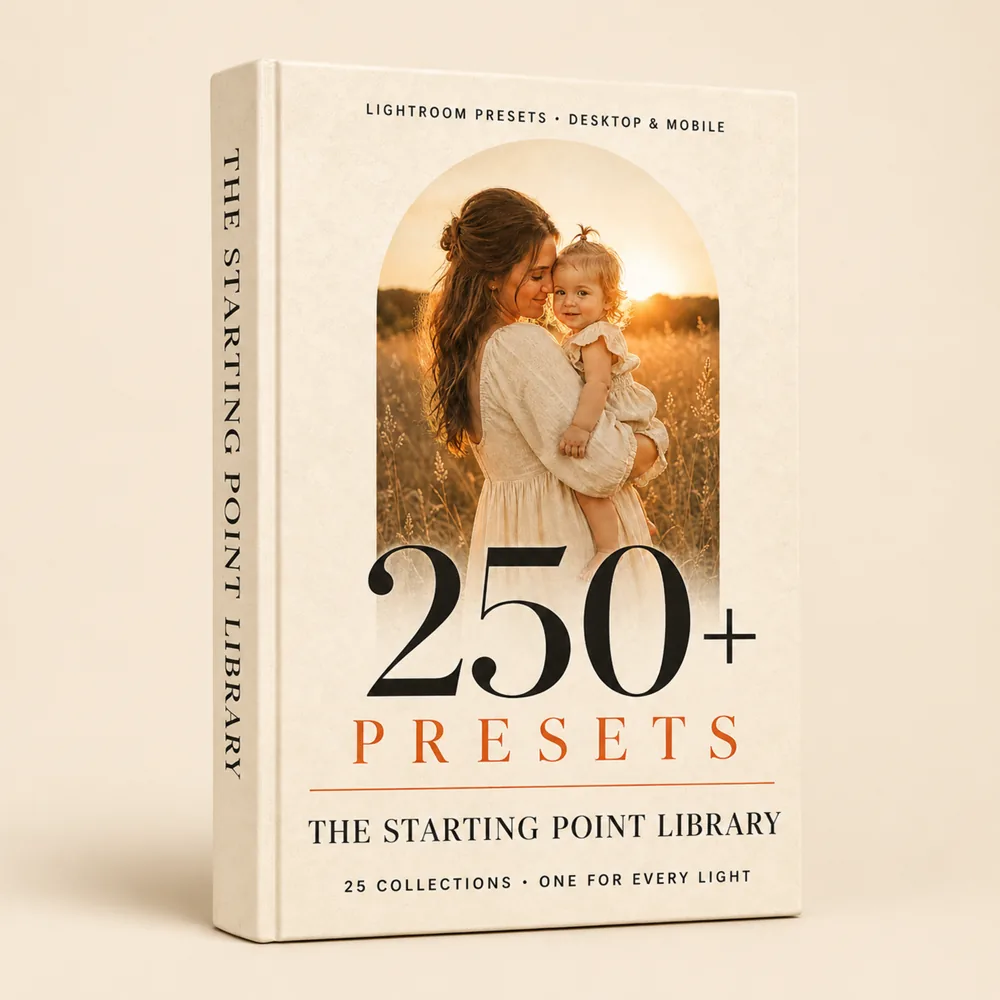
A complete library to try looks, edit with less effort and finally get through a full session in one evening.
- 250 presets in 25 collections
- Desktop & mobile
- The Light Match Guide + install guide
- 3 bonuses: Skin Tone Fix Pack, 5-Minute Edit Routine, Mini Session Money Plan
- Instant access, yours to keep
Today's price ends in:
🔒 Secure checkout. Instant access right after payment.
Frequently asked questions
Start your next edit with a look that already works
You don't have to open Lightroom and feel lost. Have 250 presets on hand, sorted by light, to try looks, speed up your editing and get to the result faster.
I want the 250+ presets